Snagga
Offline-first, cloud backup
Full functionality with no signal; back up to your own Google Drive or OneDrive whenever you reconnect.
Snagga strips snagging back to what matters on site: capture it fast, get it to the right trade, and prove it's done.
Open the camera, snap the defect, mark it up and you're done. Snagga time-stamps every entry, keeps the room or level you record, and holds the pin you drop on the drawing.
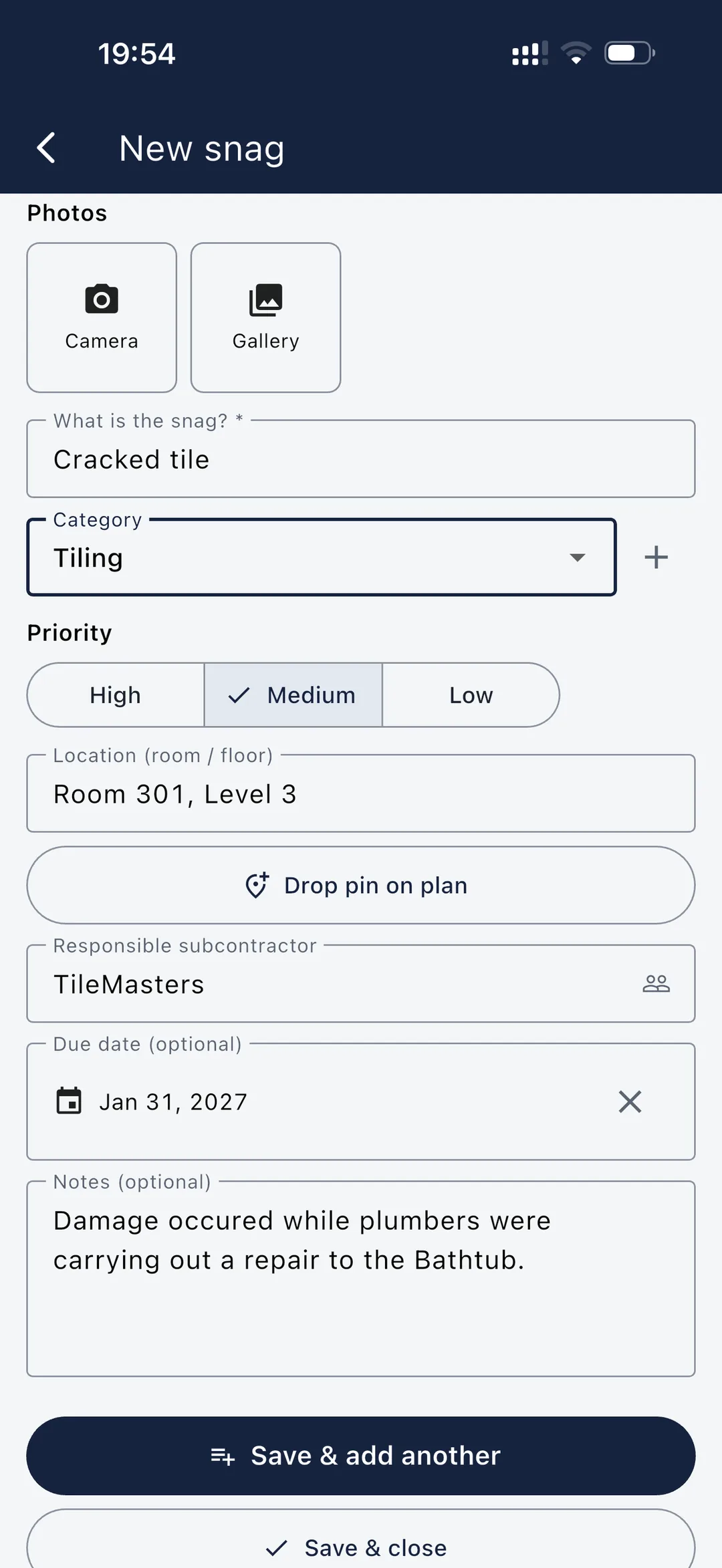
Upload PDF or image drawings and drop a numbered pin exactly where the issue is. Multi-page PDFs come in with a page picker, so a whole drawing set lands in one go. Anyone picking up the snag knows precisely where to go.
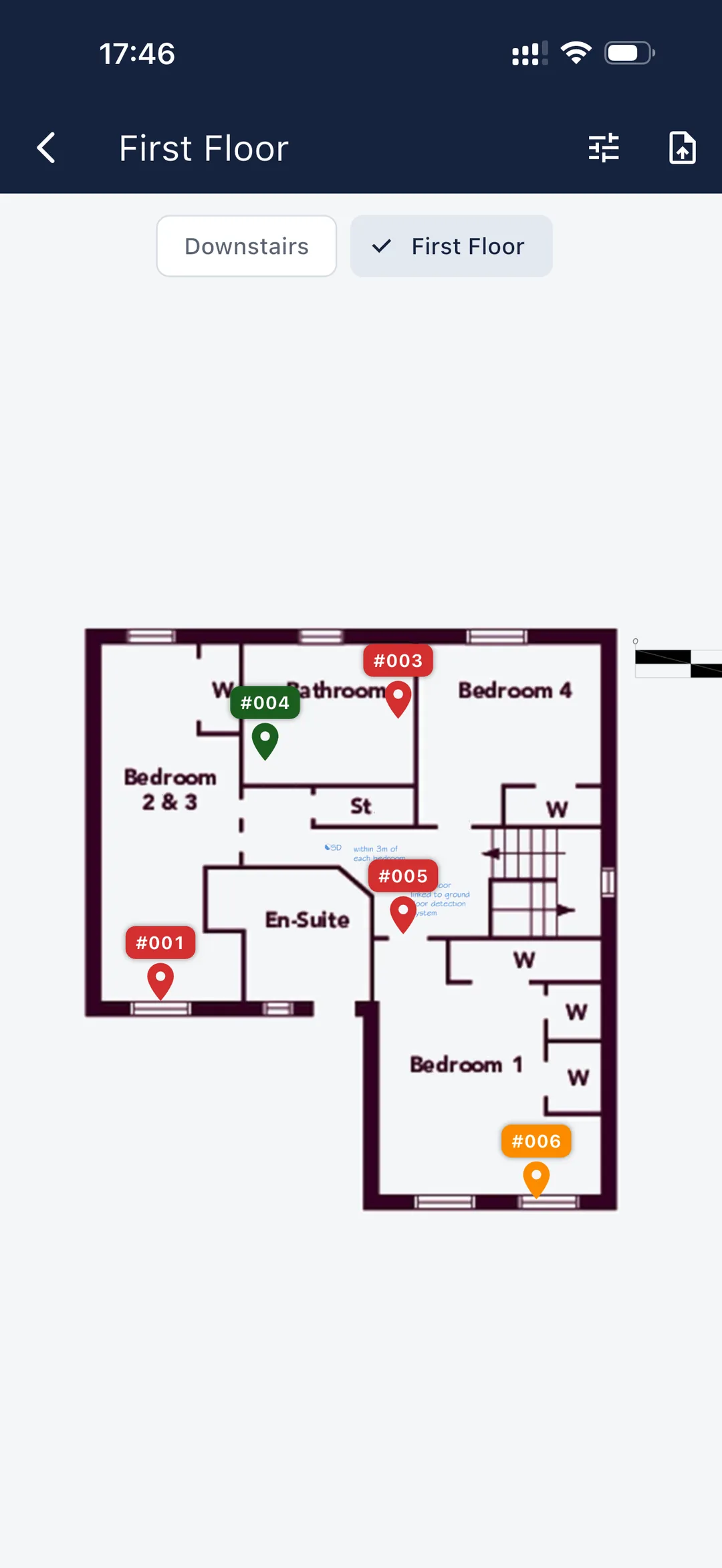
Build reusable checklists once, then snag straight against them. Inspectors work to a consistent plan, so nothing gets overlooked and every walk-round is quicker. Checklists are optional — free-snag whenever you prefer.
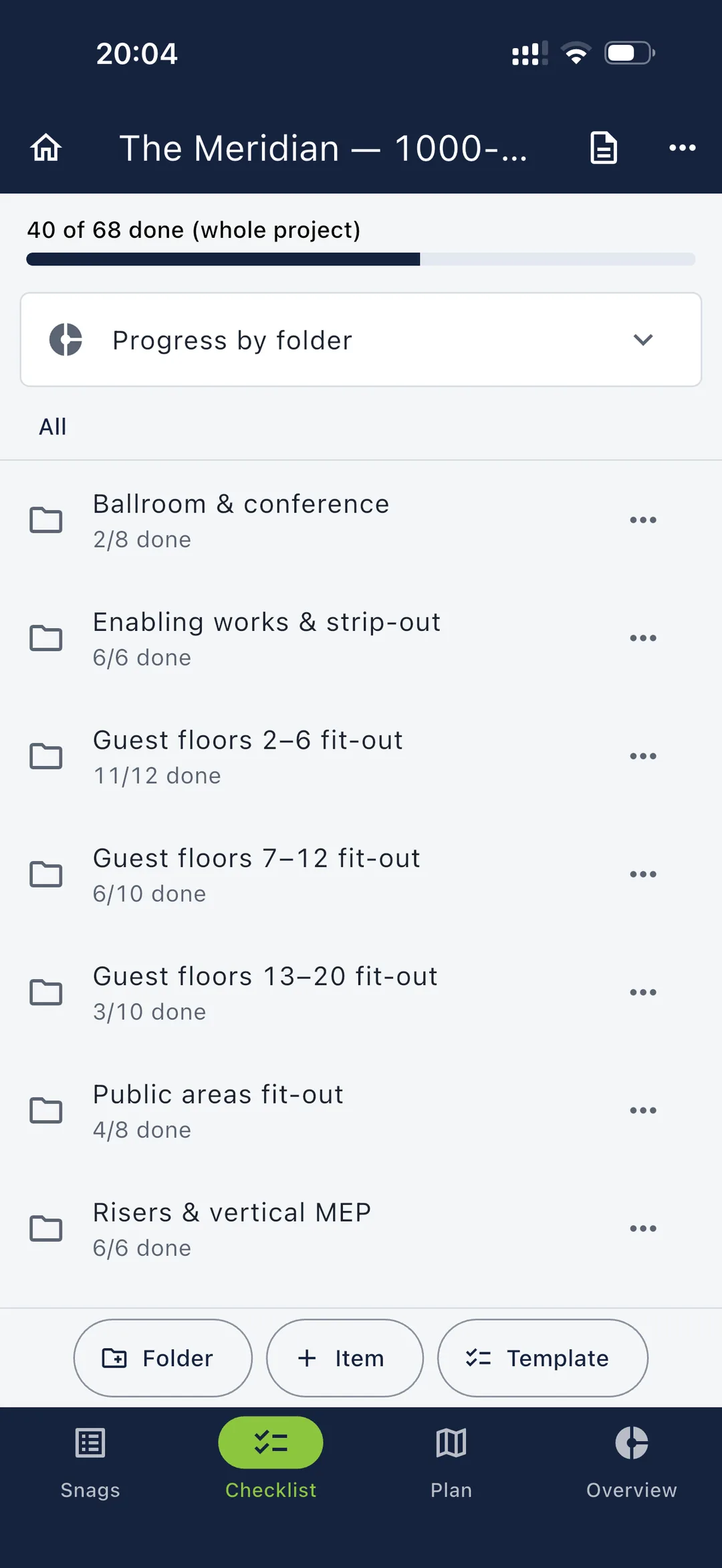
Send snags to the trade doing the work, with due dates and priorities. A daily reminder flags what’s due that day, and the status updates as fixes come back.
When a snag list lands with you, hand each item to the individual doing the work — no accounts and no shared server needed. They fix it, add photo proof on their phone and send it back, and Snagga automatically gathers every return into one place. One consolidated package flows back up the chain, so nobody merges anything by hand. It all works offline, with your data staying on your own devices and cloud.
On the Projects plan and included in Management. Anyone receiving and returning work only needs the free Snagga app — they never pay. One subscription covers the manager; everyone they work with joins free.
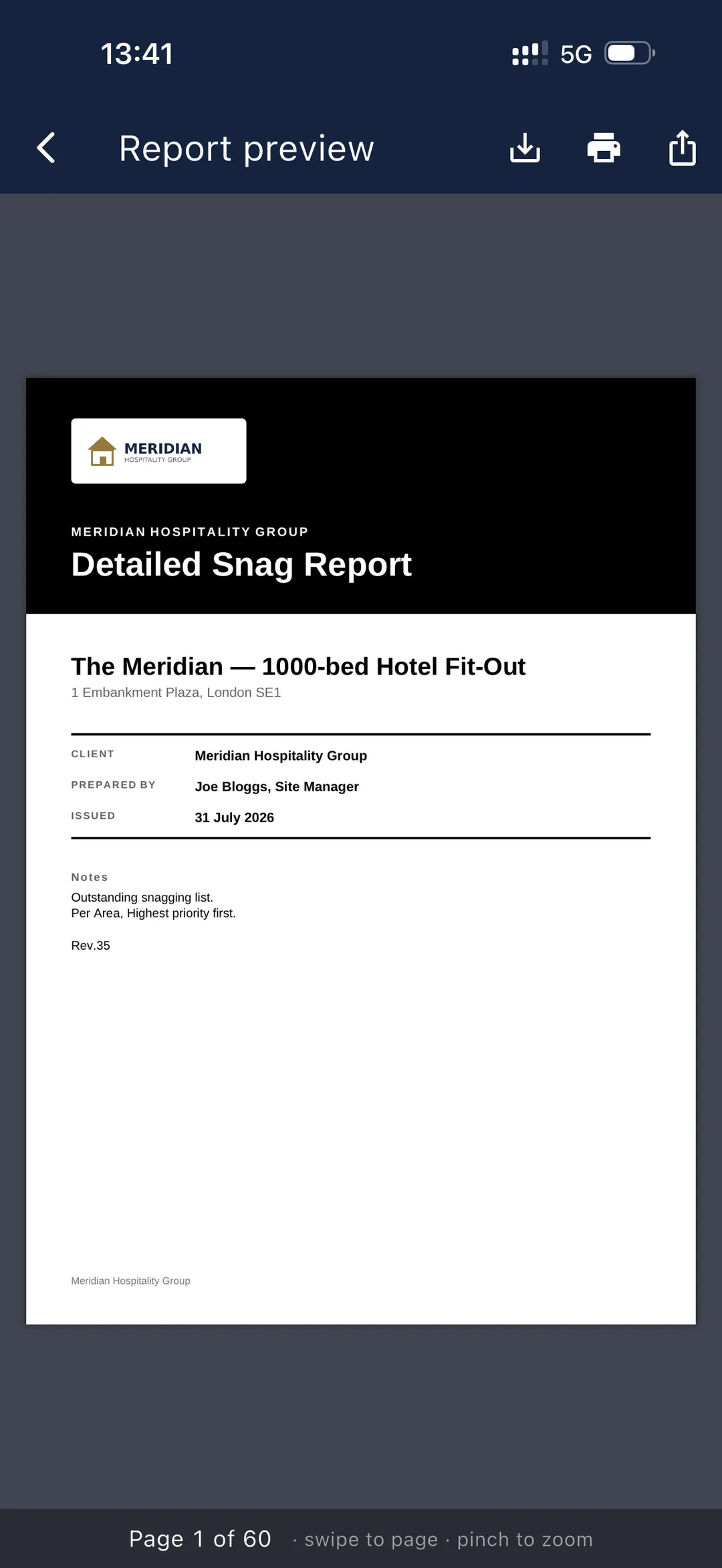
Generate a polished PDF with your logo, photos, locations and status grouped however the client wants it. Share by email or link instantly.
Import your build programme from a Microsoft Project (or Asta) XML export, Primavera (XER) or a CSV, or build one in the app. Snagga runs a real critical-path calculation over your own working calendar — finish-to-start, start-to-start, finish-to-finish and start-to-finish links, working-day lags, float and the critical path. See it on a timeline and pull programme reports for the progress meeting.
Part of Snagga Management.
Full functionality with no signal; back up to your own Google Drive or OneDrive whenever you reconnect.
Open vs. closed by plot and trade, ageing snags and progress over time — on the Management plan.
Every change time-stamped in an append-only history — defensible for warranties and disputes.
Snag to a set plan with reusable room and trade checklists — consistent inspections, nothing missed, and faster walk-rounds.
Import from MS Project (XML), Primavera or CSV, record costs against snags with contra-charge liability, and track delay in days and hours — on the Management plan.
The people doing the work never pay. Assign snags to anyone — they get a link, complete the work and send it back in the free app. Better communication, at no additional cost.
Snagga runs on Windows too, free on the Snagga tier. Photos are added from your files rather than a camera. Unlocking Projects or Management at the desk is a separate Microsoft Store subscription from your mobile plan — giving managers a full desktop to plan, review and report.
Hand an area to the next trade with a signed certificate that freezes the open snags at that moment — outgoing trade, quality check, client and the trade taking it on. Built for the back-charge argument you hope you never have.
Scorecards, first-time-fix rates, reject rates and a six-week overdue trend. See which trades keep coming back twice, and what it is costing you — on the Management plan.
Work you send out is encrypted on your device before it leaves. We only ever hold scrambled data we cannot read, stored in the EU and deleted once it has been collected.
Start free and capture your first snag in minutes. Upgrade to Snagga Management when you need programme and cost tracking.
Coming soon — the apps are in final beta and not yet published to the stores. Ask about early access.