 Snagga
Capture in seconds
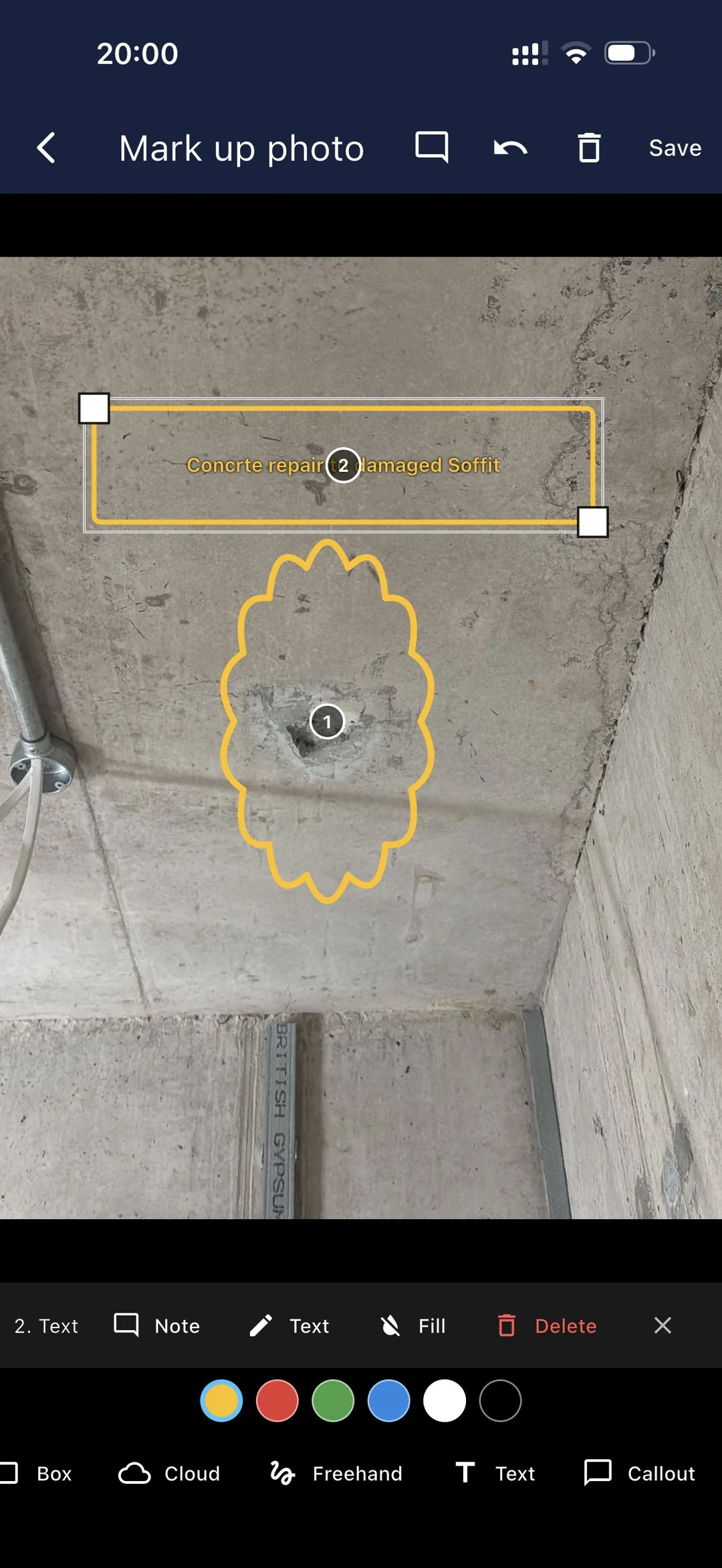
Snap a photo, drop a pin on the plan, add a note or annotation. A snag takes ten seconds, not ten minutes.
Snagga is the fast, no-nonsense snagging app for builders, site managers and inspectors — on mobile and Windows desktop. Capture defects with photos, assign them to the right trade, and export a branded report before you leave site.



Free to start · No card required · Works offline on site
Coming soon — the apps are in final beta and not yet published to the stores. Ask about early access.
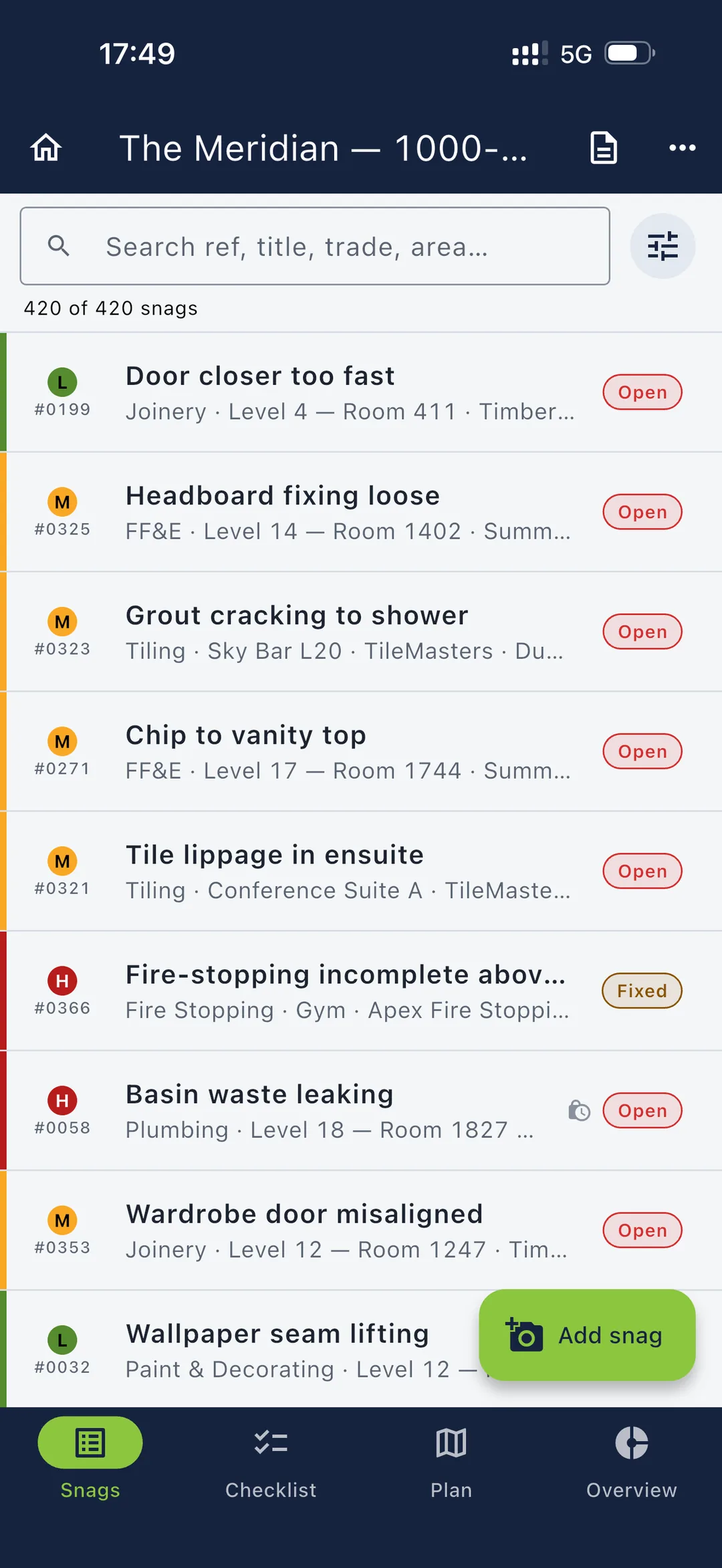
From first fix to handover, Snagga gives every trade and manager a single source of truth — even when there's no signal on site.
Snap a photo, drop a pin on the plan, add a note or annotation. A snag takes ten seconds, not ten minutes.
Send each snag to the trade doing the work, with a due date. A daily reminder flags what's due that day.
Basements, lift shafts, rural plots — Snagga keeps working with no signal, and backs up to your own cloud when you reconnect.
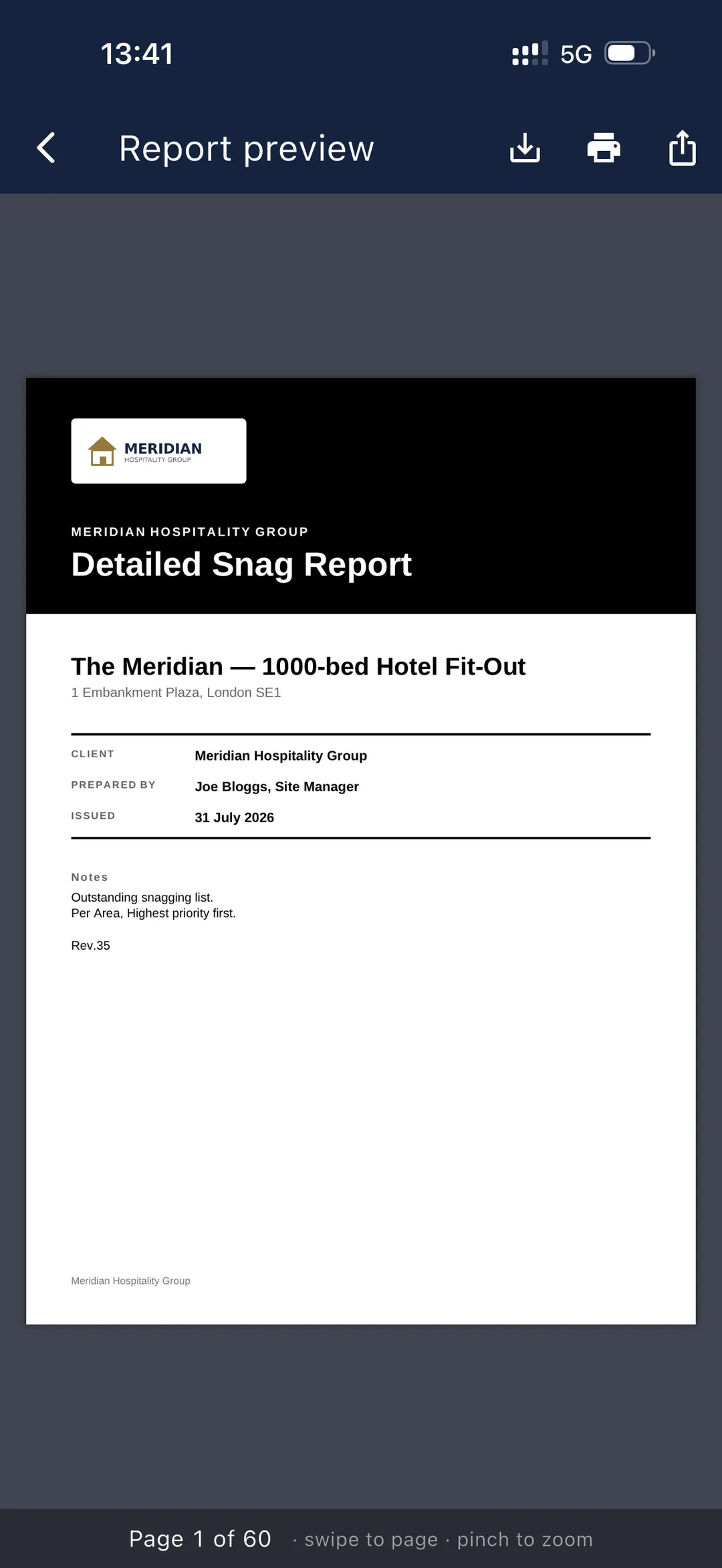
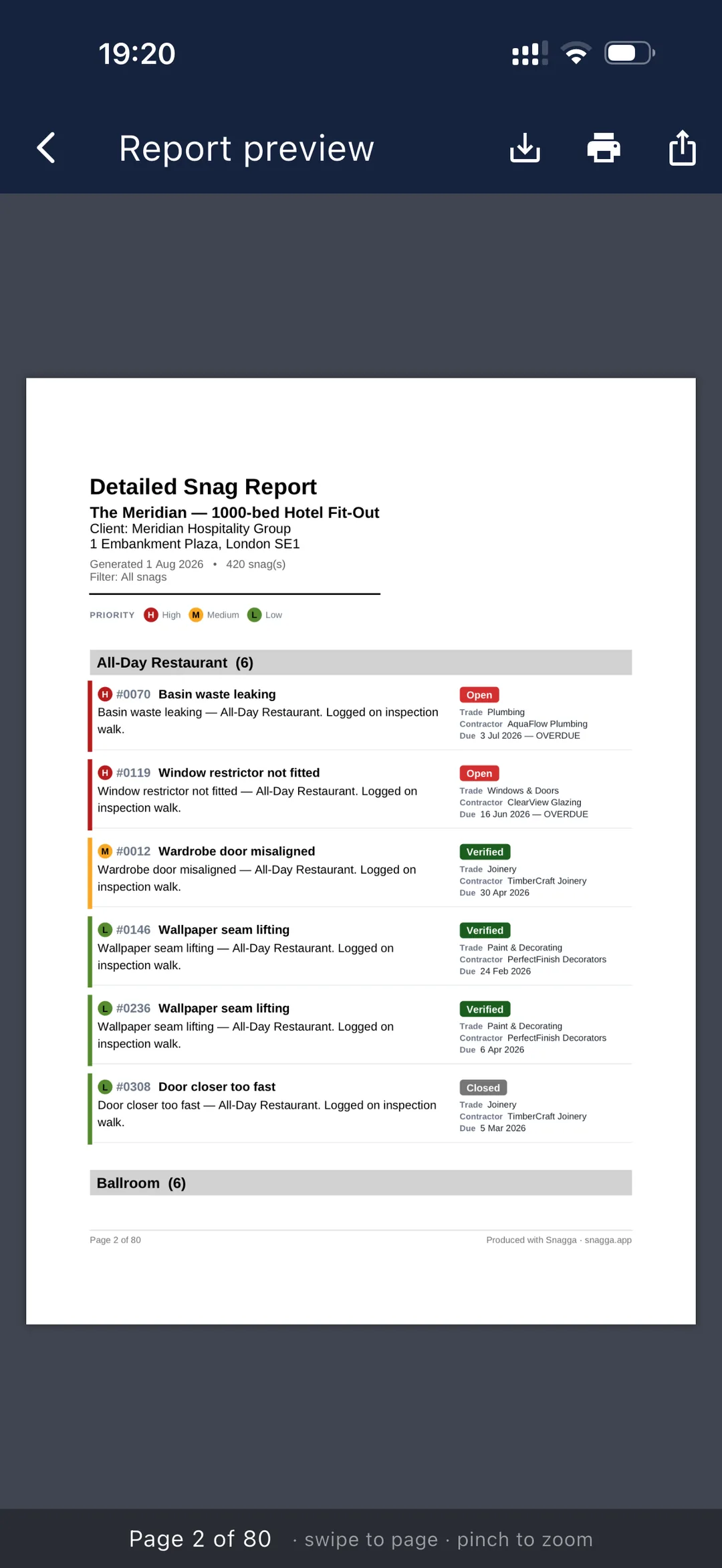
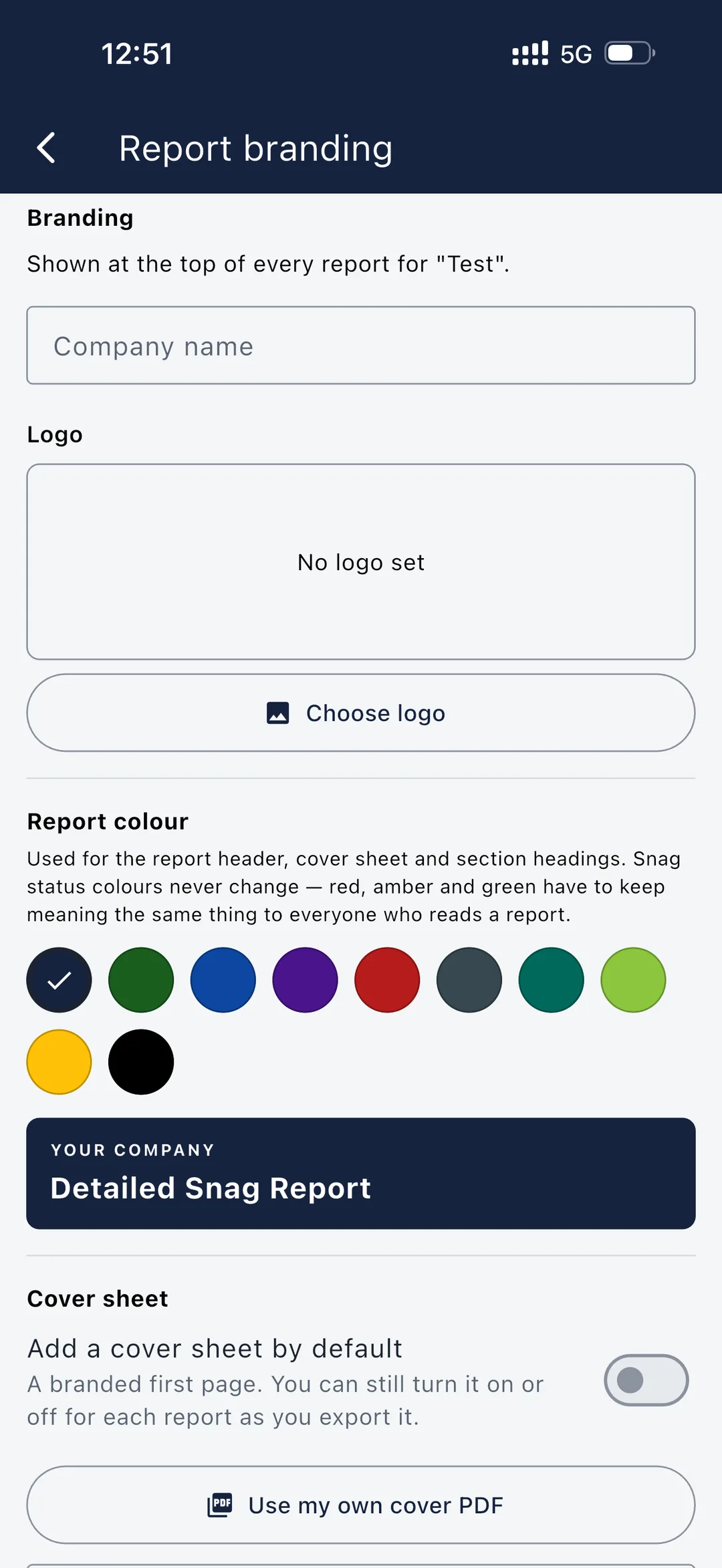
Export a clean, professional report with your logo, photos and status in one tap. Email it before you've left the car park.
See open vs. closed by plot, trade and priority. Spot bottlenecks early and walk into the progress meeting with the numbers.
Every snag is time-stamped and traceable with a full history. Defend quality and meet warranty obligations with confidence.
Snap a snag with photos and a plan pin, mark up the defect, and export a branded report — with clear status colours throughout, and everything working offline when there's no signal.
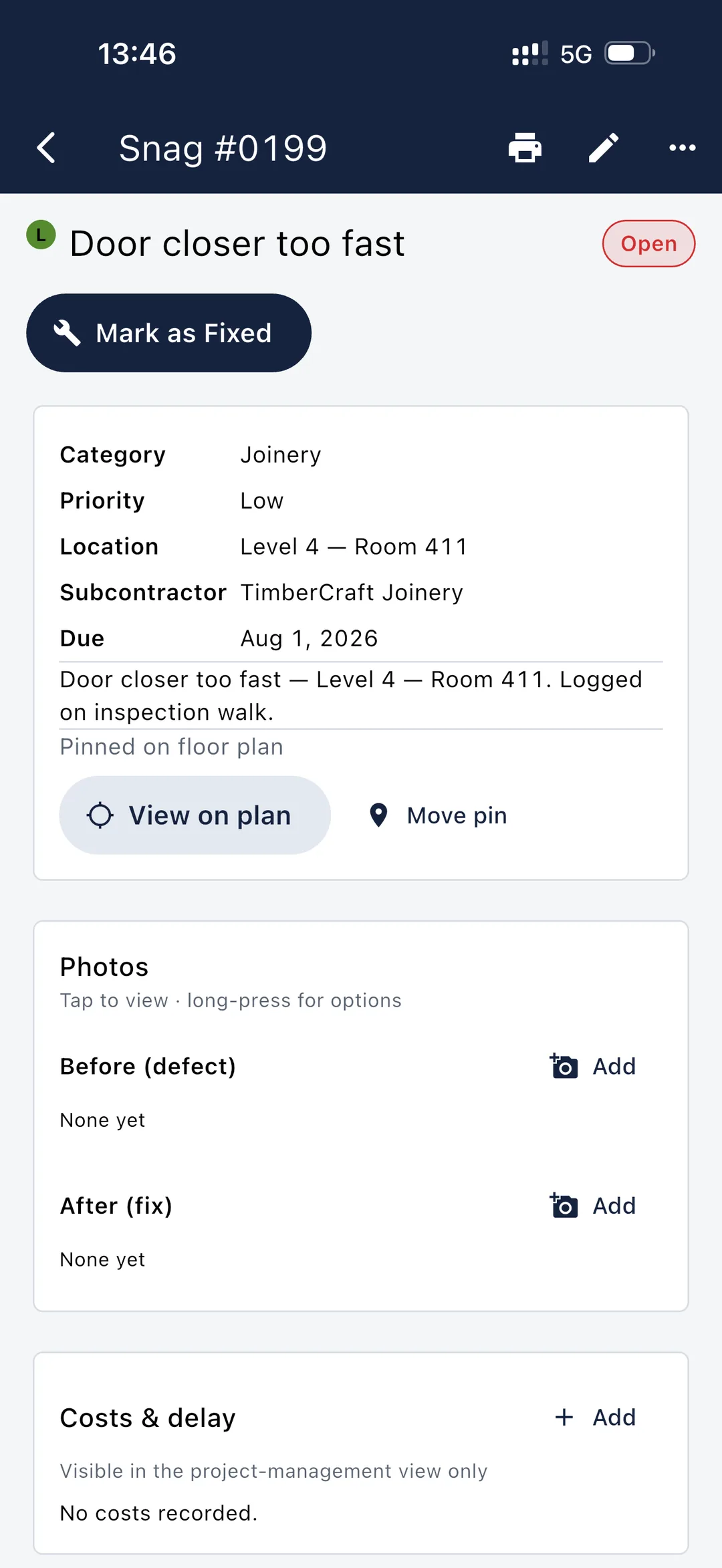
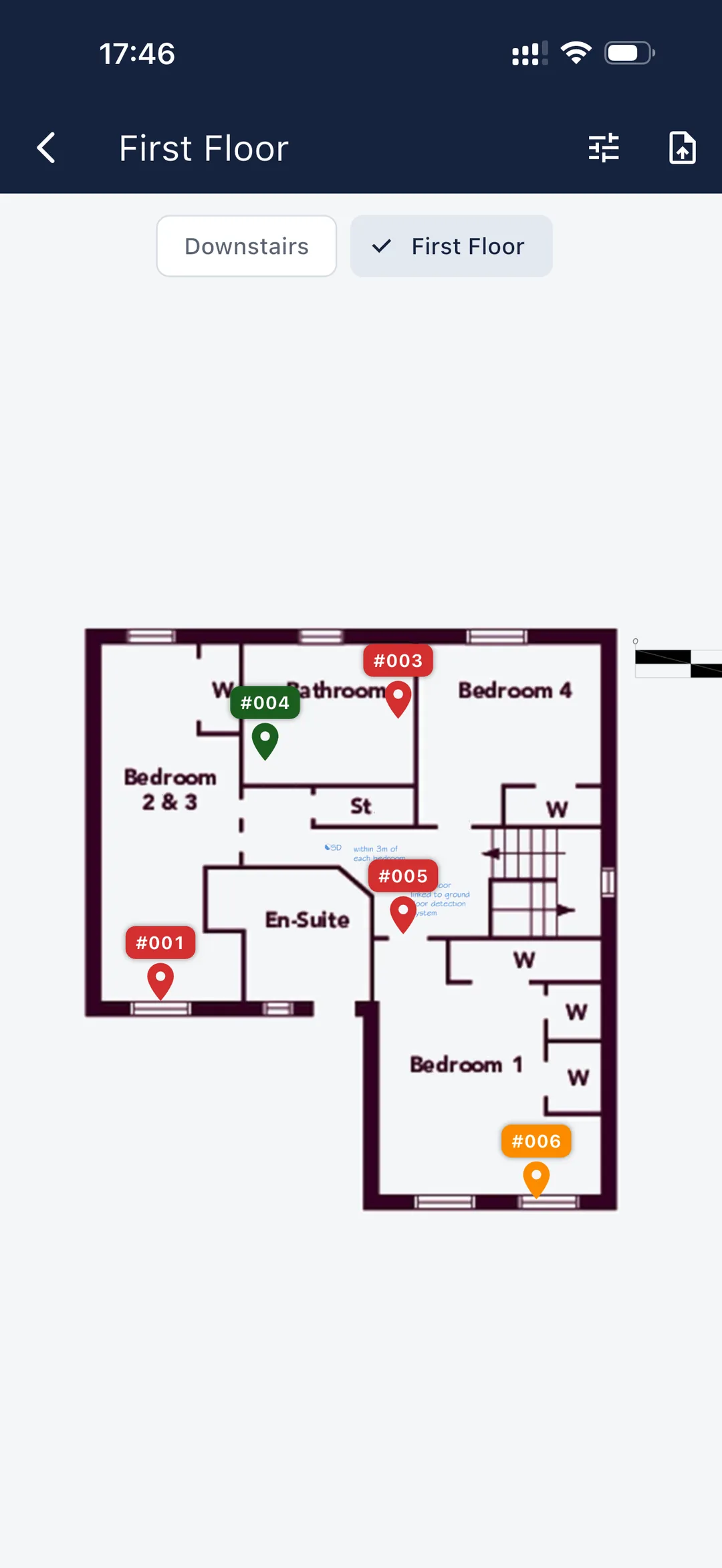
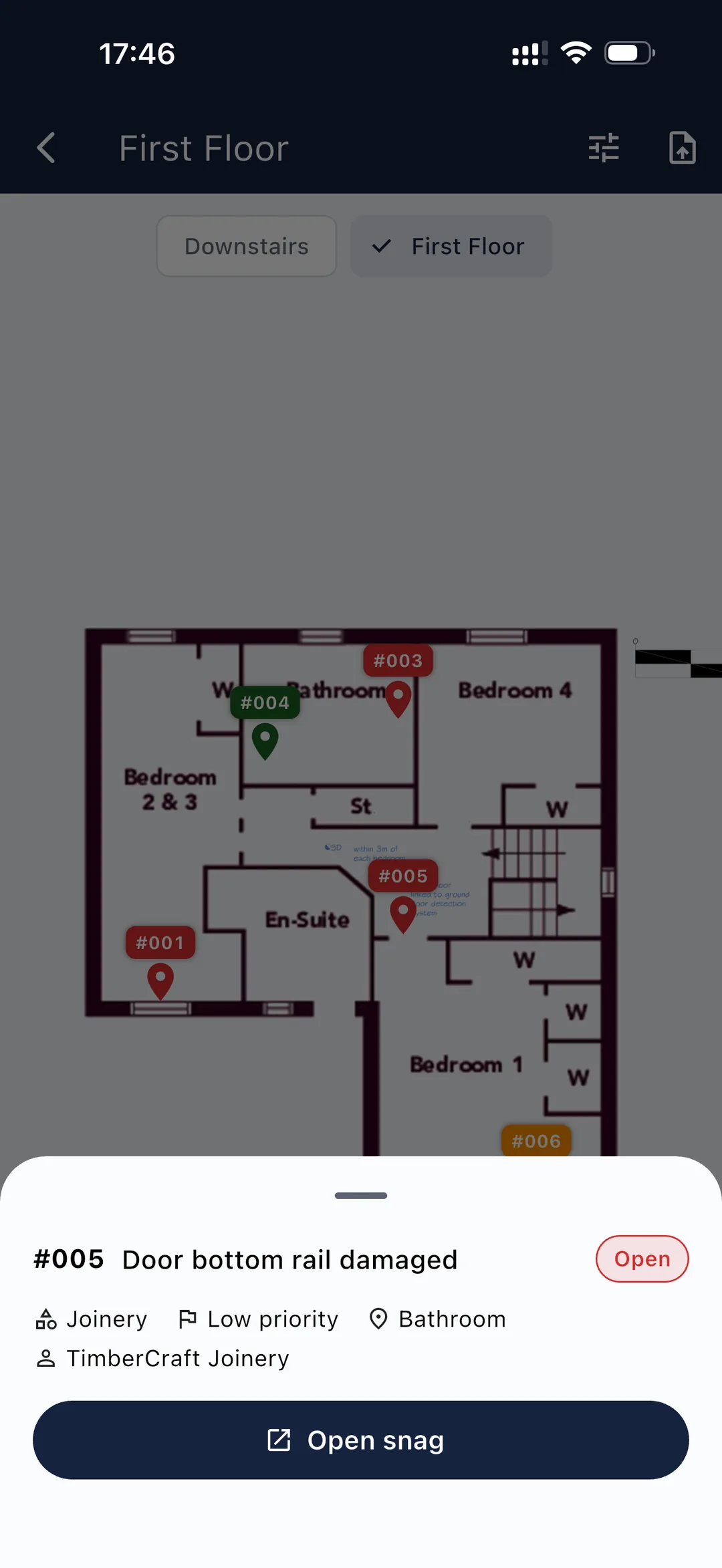
Create a project, add plots or zones and upload floor plans. Optionally attach a checklist so every room is snagged to a set plan. No accounts to create and nobody to invite.
Follow your optional checklist or free-snag as you go, with photos, notes and a pin on the plan. Working to a set plan means nothing gets missed and saves time on every walk-round — and it all works with no connection.
Push each snag to the responsible trade with a deadline and watch progress on the live dashboard.
Verify the fix, mark it closed and export a branded report for the client or building control.
Snagga isn't published to the stores yet, so there's nothing to rate. These are where you'll be able to review it once the apps are out. If you're on the beta, we'd rather hear from you directly.
Got a feature request, a bug, or just want to say hello? Your feedback shapes what we build next.
Share your feedbackA few common ones below — see the full FAQ for snagging and new-build questions too.
Free to download and use on the Snagga tier — iPhone, Android and Windows. Subscribe to Projects or Management through your app store to create and run your own projects.
Coming soon — the apps are in final beta and not yet published to the stores. Ask about early access.